

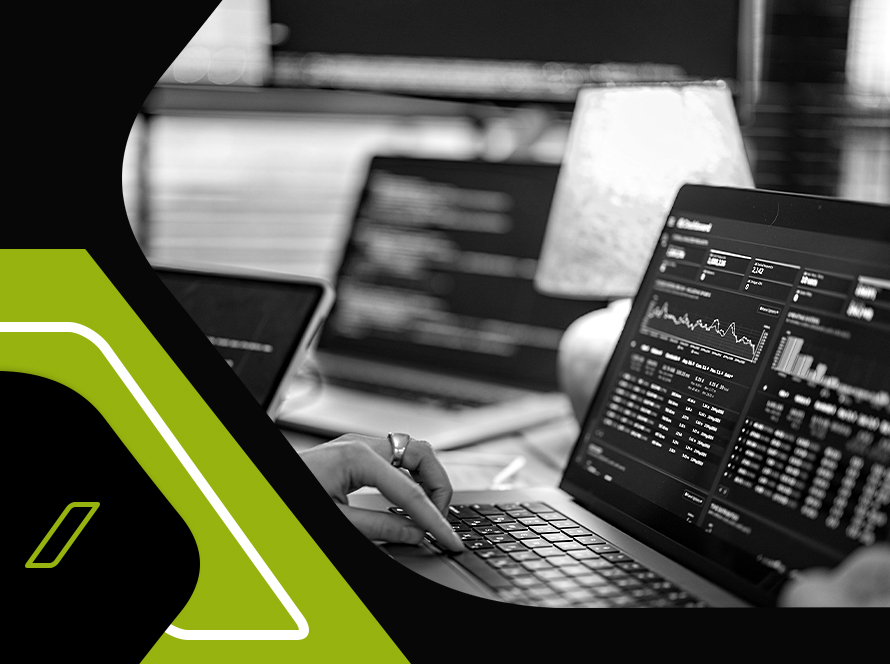
Most businesses generate more data than they can actually use, scattered across a CRM, an ERP, spreadsheets, and a payment processor that never quite talk to each other. AVMDEVS engineers custom, high-performance dashboards that pull that data into one place, so decisions get made on what is actually happening in the business rather than on a hunch or a week-old export.

Core Dashboard Capabilities
Every dashboard is built around real-time data syncing, using WebSockets and RESTful APIs so figures update live rather than on a delayed refresh. Access is controlled through multi-level permissions, so different roles see only the data relevant to them, and the interface itself is built on a modular widget system that makes it straightforward to add new charts, tables, or KPIs as the business changes. Layouts are drag-and-drop and fully responsive, so the same dashboard works whether it is being checked on a desktop at a desk or a phone on a shop floor.
CRM and Business System Integration
A dashboard is only as useful as the systems feeding it, so we connect it to the tools a business already runs on through API-based third-party integrations. That includes CRMs and ERPs, payment gateways, and the data behind customer interactions and sales pipelines, transaction analytics, operational workflows and task tracking, and inventory or logistics monitoring. Notifications, reporting, and role-based alerts run on top of this, typically built using Firebase, GraphQL, RabbitMQ, and REST APIs depending on what the integration requires.
Why Businesses Choose AVMDEVS for Custom Dashboards
Dashboards are built from scratch around a specific business rather than adapted from a fixed template, which means the widgets, roles, and integrations match how the business actually works. We take a tech-forward approach where it adds real value, including AI-powered features and predictive analytics, but every build stays security-first and performance-focused, since a dashboard that is slow or exposes the wrong data to the wrong role defeats the purpose of having one.
Support After Launch
A dashboard does not stop needing attention once it goes live. We provide ongoing maintenance and updates, performance monitoring to keep things running smoothly at scale, user training and documentation so teams can actually use what has been built, and advanced feature additions as the business’s data needs grow.
FAQs
What makes a custom dashboard different from an off-the-shelf analytics tool?
A custom dashboard is built from scratch around your specific data sources, user roles, and workflows, rather than forcing your business to adapt to a fixed set of templates. That means the widgets, integrations, and access controls match how your business actually operates.
Can the dashboard integrate with our existing CRM or ERP?
Yes, third-party integrations with CRMs, ERPs, and payment gateways are built in through API connections, so customer, sales, and operational data can flow into a single dashboard instead of staying siloed.
How does real-time data syncing work?
We use WebSockets and RESTful APIs to keep data updated live as it changes, so figures on the dashboard reflect what is actually happening rather than a delayed snapshot.
Can different users have different levels of access to the dashboard?
Yes, multi-level access controls let you define what each role can see and do, so sensitive data or reporting can be restricted to the right people rather than exposed to everyone with a login.
What kind of support do we get after the dashboard is deployed?
We provide ongoing maintenance and updates, performance monitoring, user training and documentation, and can add advanced features later as your data and reporting needs grow.